

Key Takeaways
Our Verdict
Each streaming device type serves a genuinely different situation. Streaming sticks suit those who want a low-friction, portable upgrade to an existing TV. Smart TVs work well for those buying new hardware and wanting a single, consolidated setup. Set-top boxes are the right fit when processing performance and interface flexibility matter most. No single option is universally superior — the right choice depends on your existing equipment, habits, and how much you value upgradeability.
| Best for | Recommended |
|---|---|
| Adding streaming to an existing non-smart TV | Streaming Stick |
| Buyers purchasing a new television who want simplicity | Smart TV |
| Users who prioritize interface speed and long-term flexibility | Set-Top Box |
| Frequent travelers or renters needing a portable solution | Streaming Stick |
Three Devices, One Goal — But Real Differences
If you want to watch streaming video on a television, you broadly have three paths: plug in a streaming stick, rely on a smart TV's built-in platform, or connect a set-top box. All three get content onto the screen, but they differ in hardware capability, flexibility, cost profile, and how they age over time.
Understanding those differences helps you avoid a mismatch — like buying a new smart TV only to find its built-in software lags, or investing in a set-top box when a simpler stick would have served you just as well. For a plain-language guide to the terms that appear across all three device types — 4K, HDR, Dolby Atmos — see our streaming terminology reference.
| Streaming Stick | Smart TV | Set-Top Box | |
|---|---|---|---|
| Setup complexity | Plug-and-play, minimal setup | Built-in, no extra device | Requires separate device and cables |
| Processing performance | Modest; occasional lag | Varies by manufacturer | Generally strongest of the three |
| Portability | High — fits in a bag | Not portable (built into TV) | Low — larger, needs power supply |
| Wired ethernet option | Rarely; adapter needed | Sometimes, varies by model | Common on most models |
| Software update lifespan | Tied to stick manufacturer | Tied to TV manufacturer | Tied to box manufacturer |
| Upgradeability | Easy to swap out or replace | Platform locked into TV hardware | Easy to swap out or replace |
Streaming Sticks: Portability and Simplicity
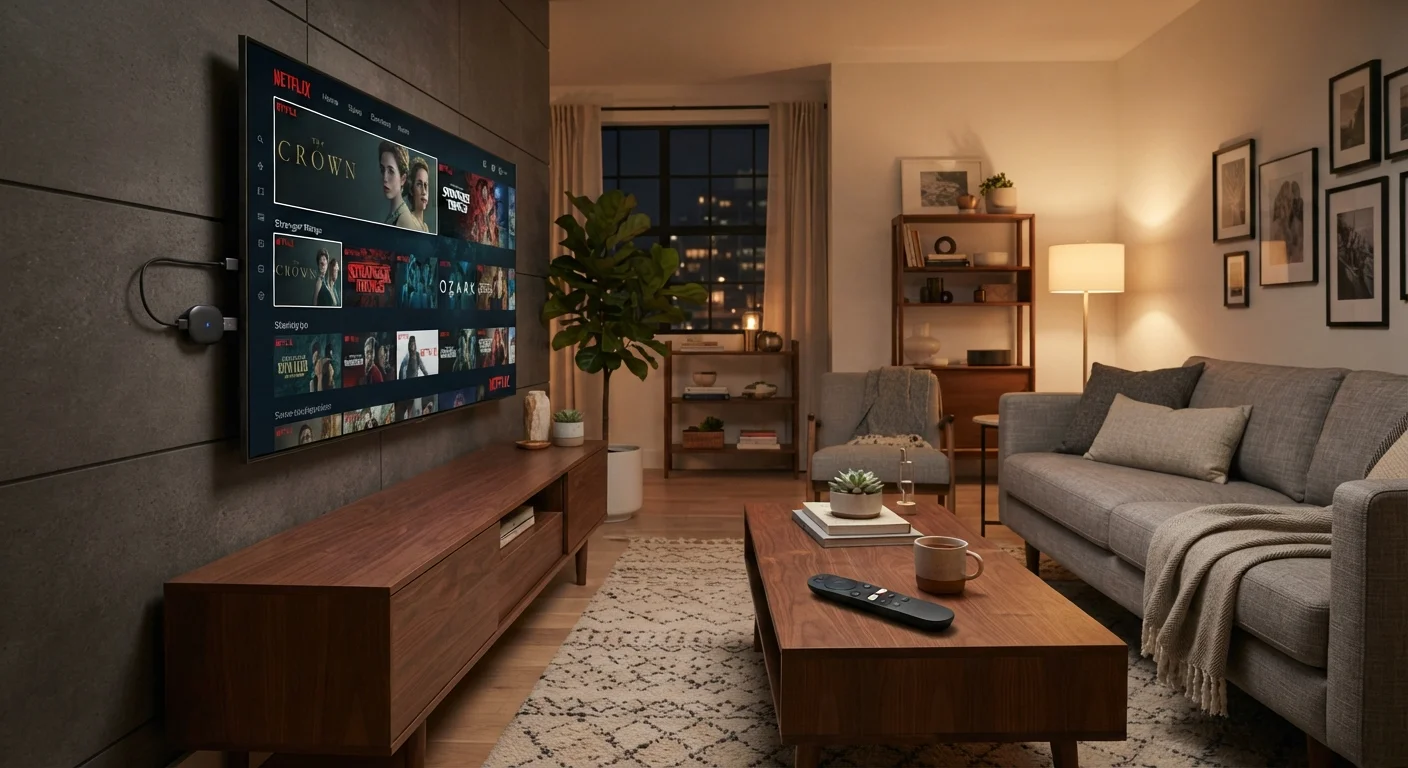
A streaming stick is a small dongle — typically the size of a thumb drive — that plugs directly into a TV's HDMI port and draws power from a USB connection. It runs its own operating system and connects to your home Wi-Fi, effectively converting any HDMI-equipped TV into a smart TV.
The main advantages are portability and low upfront cost. Because the stick is self-contained, it travels easily between rooms or to a vacation rental. The interface is managed by the stick's manufacturer, which means software updates are delivered independently of the television itself.
The trade-off is processing power. Sticks use compact, lower-power chips, which can produce occasional interface lag compared to box-based alternatives — particularly when navigating menus or switching between apps. They also depend entirely on Wi-Fi; most lack ethernet ports without an adapter.
Check HDMI Version Before You Buy
If 4K HDR playback is a priority, verify that both the streaming device and your TV's HDMI port support the same standard (such as HDMI 2.0 or 2.1). A mismatch can limit the quality you're actually able to receive, regardless of what either device advertises individually.
Smart TVs: Convenience With Caveats
A smart TV integrates the streaming platform directly into the television's hardware and firmware. You point the remote at the screen, and streaming apps are already present — no separate device required.
The convenience is genuine, especially for households that prefer fewer devices and remote controls. The concern is longevity. Smart TV manufacturers vary considerably in how long they provide software updates for their platforms. An older smart TV may stop receiving app updates before the display hardware itself fails, leaving you with outdated or missing services.
Platform quality also varies by manufacturer. Some smart TV operating systems are well-maintained and fast; others are slower or carry more pre-installed content than users want. If you do own a smart TV whose built-in platform has grown sluggish, adding a streaming stick is a practical way to bypass it without replacing the television. Our home tech coverage explores a range of household electronics decisions in this vein.
Set-Top Boxes: Performance and Flexibility
A set-top box sits near the television, connects via HDMI, and typically offers more processing power than a streaming stick. This translates to faster menu navigation, smoother app launches, and, in some cases, more consistent 4K and HDR playback.
Boxes are also more likely to include an ethernet port for a wired network connection — which can meaningfully improve streaming reliability. If you've experienced buffering or quality drops, a wired connection is often a more durable fix than any device upgrade alone. See why streaming quality drops and how to address it for a detailed breakdown of causes and solutions.
The practical downside of set-top boxes is that they're physically larger, require their own power supply, and cost more than most sticks. For households where those factors are secondary to performance, the trade-off is straightforward.
~85%
U.S. households with at least one streaming subscription
According to Leichtman Research Group's broadband and video tracker, the vast majority of American homes access at least one streaming video service.
3–5 years
Typical smart TV platform support window
Industry observers note that many smart TV manufacturers provide active app and firmware support for roughly three to five years after a model's release date.
What Actually Determines Your Experience
Regardless of which device type you choose, two factors shape your day-to-day experience more than the hardware itself: your internet connection speed and your home Wi-Fi setup. A fast, stable connection makes a modest streaming stick perform well; a slow or congested network will cause problems on even the most capable set-top box.
Device choice also intersects with how many people in a household stream simultaneously and whether 4K content is a priority. If streaming is one of many uses for a screen — alongside gaming consoles or cable input — a dedicated streaming device (stick or box) keeps those functions cleanly separated. For readers who also use tablets for streaming and everyday tasks, getting more from a tablet covers that use case separately.
Finally, if you're considering moving away from a traditional cable subscription entirely, it's worth reviewing the practical trade-offs involved. Cutting the cable cord comes with real benefits and real limitations — understanding both makes for a more informed transition.