

Key Takeaways
Our Verdict
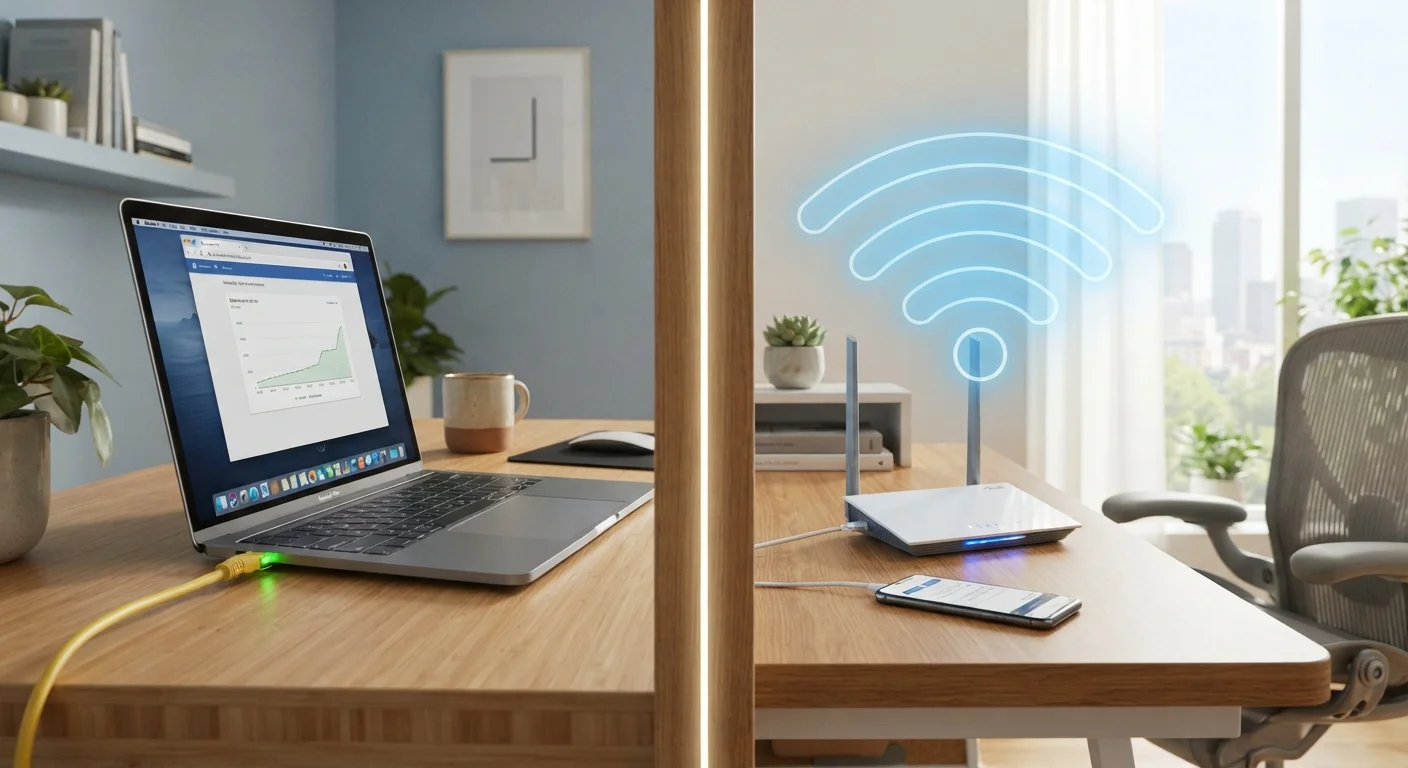
Ethernet wins on raw stability, latency, and consistency — traits that matter most for video conferencing and high-resolution streaming. Wi-Fi remains the practical choice for mobile devices and everyday browsing, particularly as modern standards have narrowed the performance gap. For most households, a hybrid approach — wired connections for stationary, high-demand devices and Wi-Fi for everything else — is the most sensible path.
| Best for | Recommended |
|---|---|
| Remote workers on frequent video calls | Wired Ethernet |
| 4K or multi-device streaming setups | Wired Ethernet |
| Laptops, phones, and casual browsing | Wi-Fi |
| Households with mixed devices and usage patterns | Hybrid (Ethernet + Wi-Fi) |
Why the Connection Type Matters More Than Speed Alone
Most people focus on the speed number listed on their internet plan. But whether that speed actually reaches a device — and arrives reliably — depends heavily on how the device connects to the router. Ethernet (a wired connection using a physical cable) and Wi-Fi (wireless radio transmission) behave quite differently under real-world home conditions.
Raw download speed matters for large file transfers, but for streaming and remote work, two other factors are often more important: latency (the delay between sending and receiving data) and consistency (how stable that speed stays over time). Ethernet tends to outperform Wi-Fi on both counts, though the gap varies depending on your home environment and the quality of your wireless hardware.
Understanding where each connection type genuinely holds up — and where it falls short — helps you match the right setup to the right task, rather than defaulting to convenience alone.
Streaming: Where Each Connection Type Holds Up
Streaming video is bandwidth-intensive. Standard HD content typically requires sustained speeds of around 5–8 Mbps; 4K HDR content can demand 20–25 Mbps or more per stream. The challenge isn't usually the plan's advertised speed — it's delivering that throughput consistently to the device.
| Criterion | Wired Ethernet | Wi-Fi | |
|---|---|---|---|
| Latency | Very low, highly consistent | Moderate, can vary with interference | |
| Speed consistency | Stable regardless of distance | Degrades with distance and obstacles | |
| 4K streaming suitability | Excellent, reliable throughput | Good when router is nearby | |
| Video call quality | Reliable, fewer dropouts | Prone to dropouts under congestion | |
| Device flexibility | Limited to cable reach | Works anywhere in range | |
| Setup complexity | Requires cable routing | Quick, minimal hardware | |
| Interference risk | None | Neighboring networks, walls, devices |
Wi-Fi performance degrades with distance from the router, physical obstacles like walls and floors, and radio interference from neighboring networks or other household devices. A living room TV connected wirelessly two rooms from the router may experience intermittent buffering even on a fast internet plan. The same TV connected via Ethernet would receive a much more stable signal. If you're experiencing pixelated video or mid-stream quality drops, understanding the real causes of poor streaming quality often points back to the connection type.
That said, modern Wi-Fi standards — particularly Wi-Fi 6 — have significantly improved throughput and efficiency on wireless networks. In a well-configured home with a capable router close to the device, Wi-Fi can support 4K streaming reliably. For more on how newer standards compare, see what Wi-Fi 6E actually changes for home use.
Remote Work: The Case for Wired Connections
Video conferencing is particularly sensitive to latency and packet loss — the technical term for small chunks of data that fail to arrive. Even brief interruptions can cause audio dropouts, frozen video, or desync between a speaker's voice and image. These problems are far more common on Wi-Fi than on Ethernet, especially in households with multiple devices competing for the same wireless band.
Test Before You Commit to a Setup
Before running Ethernet cable through walls, try a temporary setup first: move your router closer to your workspace and connect via a short Ethernet cable for a week. If call quality and streaming improve noticeably, the investment in a permanent wired run is likely worth it. Free tools like Speedtest.net and PingPlotter can help you compare latency and packet loss between connection types on the same device.
For remote workers who spend significant time on calls, a wired Ethernet connection from the router to a home office computer or docking station offers a measurable improvement in call quality and reliability. The trade-off is physical cable management and proximity to the router — though Ethernet cables can run up to 100 meters (about 328 feet) without performance loss, making longer runs through walls or under floors feasible with some planning.
It's also worth noting that powerline adapters and MoCA (Multimedia over Coax Alliance) adapters offer middle-ground options: they use existing electrical or coaxial wiring in a home to extend a wired connection without running new Ethernet cable. These options vary in performance but can be useful where pulling cable isn't practical.
Practical Trade-Offs: Convenience, Coverage, and Cost
Wi-Fi's primary advantage is flexibility. Phones, tablets, laptops moving between rooms, and smart home devices all benefit from wireless connectivity. Running Ethernet to every device in a home is often impractical and unnecessary for lower-demand tasks like web browsing, email, or standard-definition video.
The practical approach for most households is a hybrid setup: Ethernet for stationary, high-demand devices (desktop computers, smart TVs used for 4K streaming, home office workstations) and Wi-Fi for mobile and lighter-use devices. This approach makes strategic use of both technologies rather than treating them as competitors. Building a reliable home network involves thinking through which devices benefit most from wired access, then optimizing your wireless setup for everything else.
Router placement and network hardware quality also affect how well Wi-Fi performs. A router tucked in a closet or far from high-use areas will underperform one placed centrally. Mesh systems can extend coverage across larger homes — for a full comparison of approaches, see mesh Wi-Fi vs. traditional routers. The same logic applies to smart home devices connected to your network — wired vs. wireless smart home device trade-offs follow a similar pattern of reliability versus convenience.
~1–5 ms
Typical Ethernet latency on a home network
Ethernet latency in local network conditions is generally in the low single-digit millisecond range, compared to 10–50 ms or higher for Wi-Fi under load.
20–25 Mbps
Sustained speed needed for 4K HDR streaming
Streaming platforms generally recommend sustained download speeds in this range per stream for 4K HDR content, though requirements vary by service.