

Key Takeaways
Start here
What Is a Smart Thermostat?
Next
Is Your Home Compatible?
Then
Installation: What to Expect
Go deeper
How Smart Thermostats Learn and Adapt
When you're ready
Getting the Most From Your Device
What Is a Smart Thermostat?
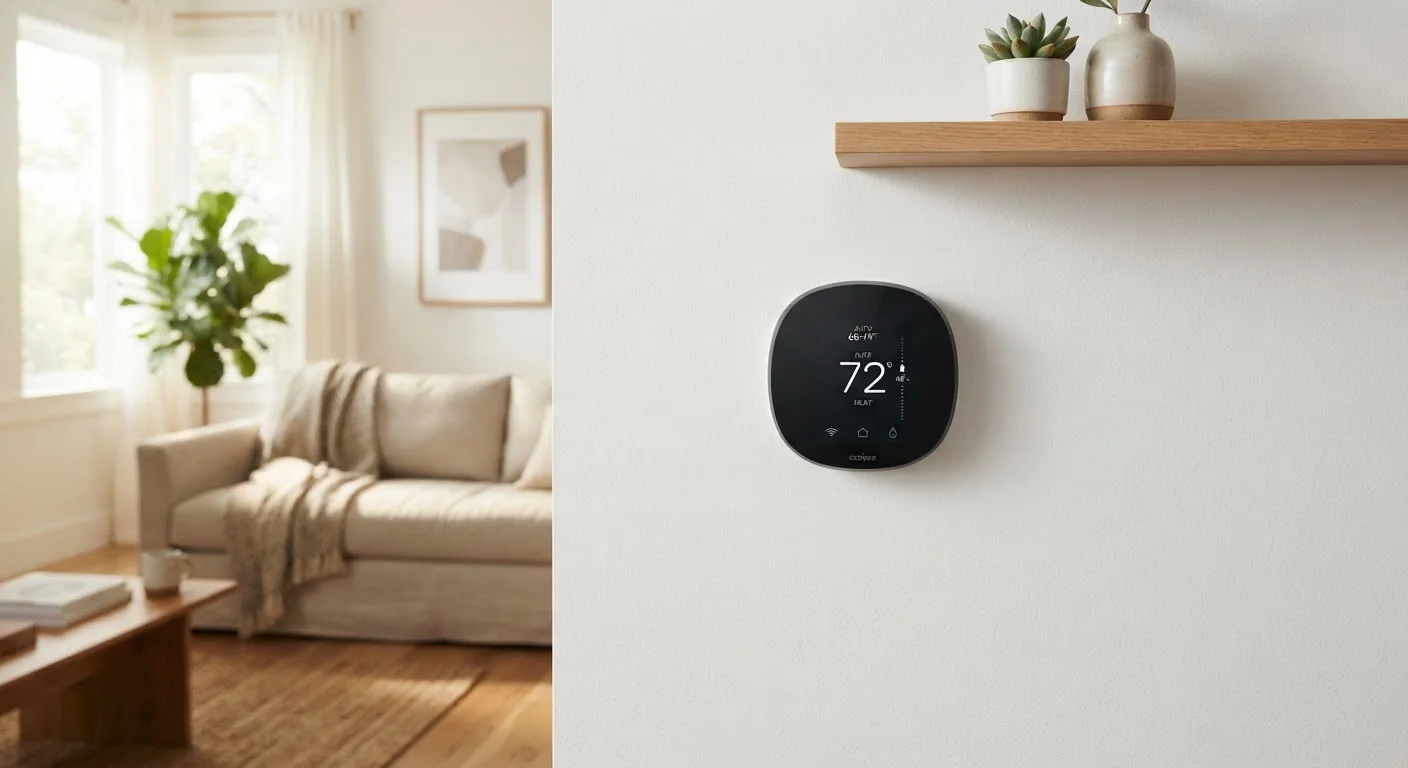
A smart thermostat is a Wi-Fi-connected device that replaces your standard wall thermostat and gives you far more control over your home's heating and cooling. Unlike a basic programmable model, a smart thermostat can be adjusted remotely through a smartphone app, respond to your location, and — in many cases — learn your daily routine and adjust temperatures on its own.
They sit at the entry point of home automation. If you're curious about how this fits into a broader connected home setup, our guide on smart home automation covers the full picture of platforms, devices, and how everything works together.
HVAC
Stands for Heating, Ventilation, and Air Conditioning — the system in your home that controls temperature and air circulation.
C-wire
The common wire in your thermostat wiring that provides a continuous power supply. Many smart thermostats need one to function properly.
Geofencing
A feature that uses your smartphone's GPS location to trigger actions — like adjusting the thermostat — when you enter or leave a defined geographic area.
Learning algorithm
A software process that observes your manual temperature adjustments over time and uses those patterns to automatically predict and set your preferred temperatures.
Programmable schedule
A manually created timetable that tells the thermostat what temperature to maintain at specific times of day or week, without requiring a learning feature.
Is Your Home Compatible?
Before anything else, confirm that your heating and cooling system will actually work with a smart thermostat. Most homes with a central forced-air HVAC system are compatible. However, there are important exceptions:
- High-voltage electric baseboard heaters typically require a specific thermostat type and are not compatible with most standard smart models.
- Older systems — particularly those without a common wire (C-wire) — may need an adapter kit or an added wire before installation.
- Multi-zone systems, radiant heat, and heat pumps with auxiliary heating stages require careful model matching.
Most manufacturers provide an online compatibility checker where you enter your current thermostat's wiring details. Taking a photo of your existing wiring before removing anything is a simple but important step.
Don't Skip the Compatibility Check
Installing an incompatible thermostat can damage your HVAC system's control board — a repair that costs significantly more than the thermostat itself. Verify compatibility using the manufacturer's official tool and double-check your system type before purchasing. If you're unsure about any wiring detail, consult a licensed HVAC technician.
Installation: What to Expect
For a standard low-voltage HVAC system, installation generally takes 30 to 60 minutes. The process involves turning off power to your system at the breaker, removing your old thermostat, labeling and transferring wires to the new base plate, and walking through a guided setup on the device's screen or companion app.
The app-based setup usually handles Wi-Fi connection, location permissions, and an initial schedule in one flow. If you're already comfortable navigating smartphone apps, this part will feel familiar. Our guide to understanding your smartphone can help if the app side feels unfamiliar.
If your wiring is non-standard or you're not comfortable working near electrical components, hiring a licensed HVAC technician is a reasonable and sensible choice — not an admission of defeat.
Label Your Wires Before Removing Anything
Before disconnecting your old thermostat, photograph the wiring clearly and use small pieces of tape labeled with each wire's letter designation. Smart thermostat apps often include a wiring guide where you can enter these labels to verify the correct connections before you start. This one step prevents the most common installation mistakes.
How Smart Thermostats Learn and Adapt
The "learning" capability that many smart thermostats advertise works by tracking when you manually raise or lower the temperature. Over one to two weeks of normal use, the device builds a picture of your routine and begins making those adjustments automatically — warming the house before you wake up, cooling down while you're typically at work.
Other adaptive features include:
- Geofencing: Uses your phone's location to detect when you've left home or are heading back, adjusting the temperature accordingly.
- Usage reports: Monthly summaries showing how long your system ran and what drove changes, helping you identify patterns.
- Smart scheduling: Even without a learning algorithm, most models allow you to program different temperatures for different times of day and week.
These features work together, but they rely on consistent use and accurate settings. A thermostat set to the wrong location or paired with a phone that stays home won't geofence correctly.
Getting the Most From Your Device
A smart thermostat performs best when it's treated as a system to configure thoughtfully, not a device to set and forget on day one. A few habits that help:
- Spend the first week or two manually adjusting the temperature as you normally would, so the learning algorithm has accurate data to work from.
- Review the suggested schedule the device generates and correct any patterns that don't match your actual routine.
- Check that the thermostat is mounted away from drafts, direct sunlight, and exterior walls — placement affects its temperature readings.
- Explore integration with other devices only after the core heating and cooling setup is stable.
Smart thermostats are one piece of a broader home management picture. If you're just starting to think about organizing how your home runs day to day, the guide on building a home management system offers a practical starting point. For those curious about other connected home gadgets, our article on smart plugs explains how they complement a thermostat as part of a broader energy-aware setup.