

Key Takeaways
Why Smart Speaker Privacy Concerns Persist
Smart speakers have become a fixture in millions of American homes, yet persistent anxiety about eavesdropping remains one of the most common reasons people hesitate to use them. The concern is understandable: a microphone-equipped device sits in your living room, seemingly always on. But the reality of how these devices work is considerably more specific — and more manageable — than the fear suggests.
Sorting myth from fact matters here not just for peace of mind, but for practical control. When you understand what your device actually does, you can take steps that meaningfully reduce risk. For a broader look at how connected devices share data across your home, see our guide to smart home ecosystems.
Myth
My smart speaker is constantly recording everything I say and sending it to the company.
Fact
Smart speakers process audio locally on the device and only transmit a clip to the cloud after detecting the wake word.
The microphone in a smart speaker is always active in a limited sense — it listens for its specific wake word (such as "Hey" followed by the assistant name) using a small on-device processor. This detection happens entirely on the hardware itself, without sending audio to any server. Only after the wake word is recognized does the device begin recording your request and transmitting it. This architecture exists partly for practical reasons: sending a continuous audio stream would consume significant bandwidth and battery, and cloud processing costs would be enormous at scale.
Myth
If I haven't said the wake word, there's zero chance the device recorded anything.
Fact
Accidental activations occur when sounds or phrases resemble the wake word closely enough to trigger the device.
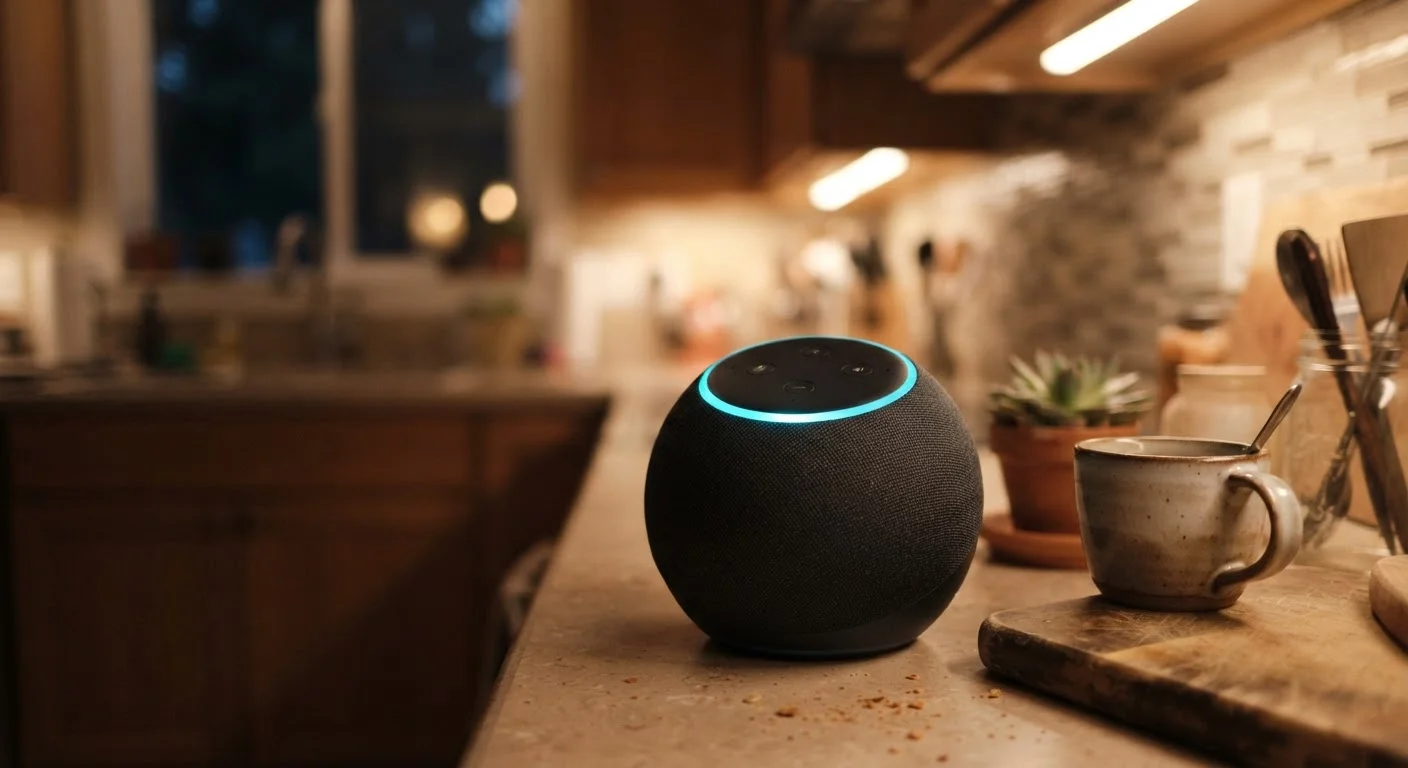
Wake word detection is sophisticated but not perfect. Background conversation, television dialogue, or similar-sounding phrases can trigger the activation sequence, causing a short clip to be captured and sent to the cloud. Platform transparency reports from major voice assistant providers have acknowledged this limitation publicly. The glowing ring or light indicator on most devices is designed to signal when the microphone is actively sending audio — watching for unintended activations is a reasonable habit.
Myth
Companies have no access to what I actually say to my smart speaker.
Fact
Voice clips associated with requests are typically stored by the platform and, in some programs, reviewed by human contractors for quality improvement.
Most major smart speaker platforms store voice recordings in user accounts for a period of time, using them to improve speech recognition and personalization. Historically, several companies have used third-party contractors to review a sample of anonymized clips — a practice that generated significant news coverage when it became widely known. Virtually all major platforms now offer opt-out settings and the ability to delete your voice history. These controls are real and functional, though users must actively seek them out in account settings.
Myth
Covering the speaker or unplugging it briefly is the safest way to ensure it's not listening.
Fact
The physical mute button built into the device is the most reliable and straightforward way to disable the microphone.
Unplugging a device certainly stops it from functioning, but it's disruptive to normal use. Covering the speaker grille has no effect on the microphone, which is a separate component. The hardware mute button, found on virtually every major smart speaker model, physically disconnects the microphone circuit — meaning software running on the device cannot reactivate it while the button is engaged. This is the approach recommended by security and privacy researchers as the practical baseline for sensitive moments.
Myth
There's nothing I can do — once a smart speaker is in my home, my privacy is simply gone.
Fact
Consumers have meaningful controls including mute hardware, voice history deletion, and opt-out settings for human review programs.
This fatalistic view leads many people to either avoid useful technology entirely or use it without taking any precautions. The reality is that privacy controls for smart speakers have expanded significantly in recent years, driven partly by regulatory scrutiny and user demand. Reviewing privacy dashboards, deleting voice history regularly, disabling optional data-sharing features, and using the mute button strategically all represent genuine risk reduction. No single measure eliminates all data collection, but informed, active management makes a real difference. For a comprehensive overview of privacy trade-offs in home automation, see the full picture of smart home automation.
What You Can Actually Do About It
Knowing the facts is only useful if it translates into action. Here are the most effective and straightforward steps consumers can take to manage their smart speaker privacy.
- Use the physical mute button. Every major smart speaker includes a hardware microphone mute. When engaged, the microphone circuit is physically interrupted — software cannot override it.
- Review and delete your voice history. Platforms that store voice recordings provide account-level dashboards where you can audit and delete clips. Make this a routine habit, similar to clearing browser history.
- Opt out of human review programs. Most platforms offer a setting to exclude your recordings from quality-review programs where human contractors may listen to clips. Check your device's privacy settings.
- Be deliberate about placement. Rooms where sensitive conversations happen regularly — bedrooms, home offices — are reasonable candidates for either muting the device or not placing one at all.
For a deeper look at how app-level permissions intersect with device privacy, our article on app permissions worth reviewing covers what access categories mean and how to audit them. And once your smart home is set up, securing your connected devices is the logical next step.
~1 in 10
Smart speaker interactions triggered accidentally
Research published by academic teams studying wake word detection has estimated false activation rates in the range of 1–10 interactions per day per device, depending on ambient noise conditions.
66%+
U.S. households with at least one smart speaker
Industry estimates from research firms tracking consumer electronics adoption have consistently placed smart speaker household penetration above two-thirds of American homes in recent years.
This article is for general informational purposes only. Privacy policies, platform features, and data practices vary by manufacturer and may change over time. Review your device's current documentation and privacy settings for the most accurate and up-to-date information.