

Key Takeaways
The Real Reasons Smart Home Compatibility Breaks
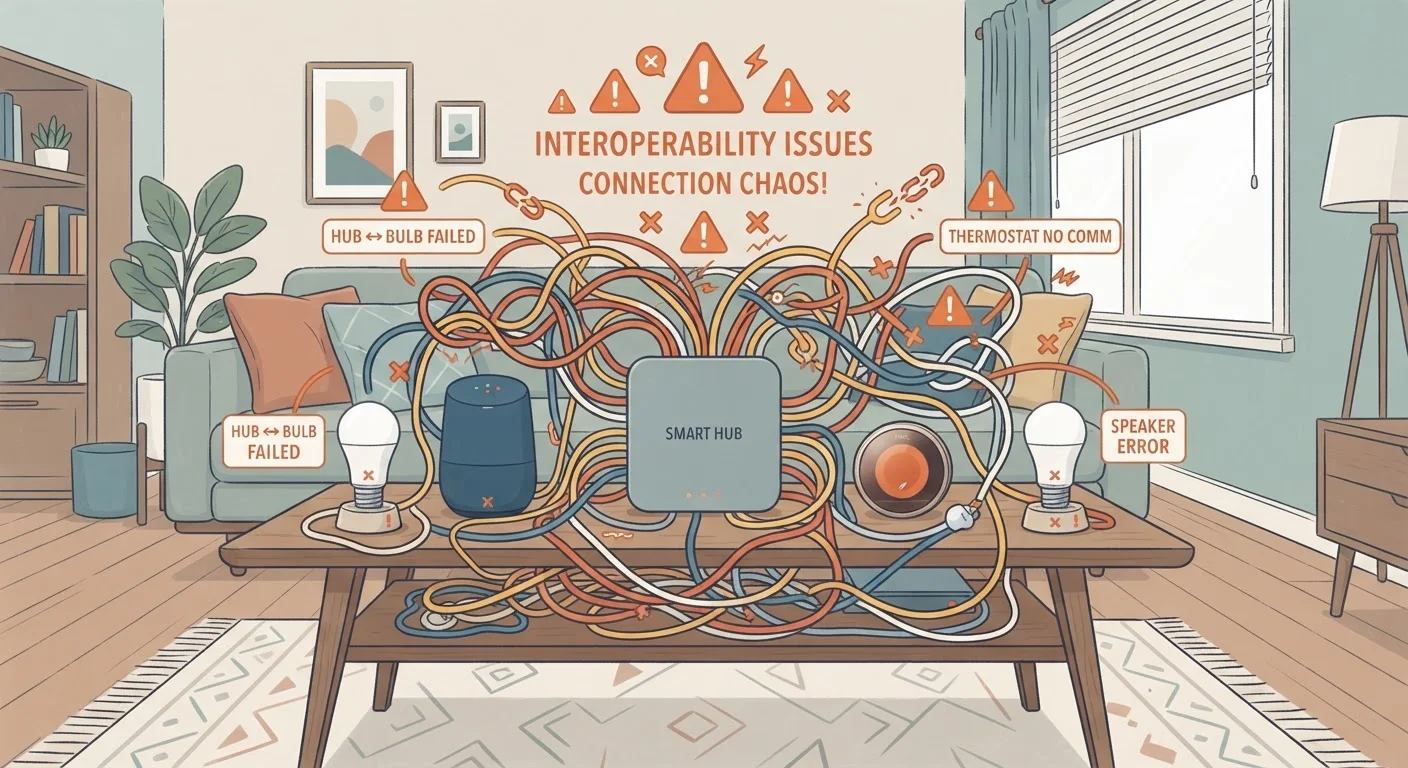
Smart home devices promise a seamlessly connected home, but the reality is more fragile. Interoperability — the ability of devices from different brands to communicate and cooperate — depends on a layered set of conditions, any one of which can fail. Understanding what those layers are is the first step to building a setup that holds together.
The most common failure modes are platform changes (a hub updates its API and breaks third-party device support), service discontinuation (a cloud service shuts down, making hardware inoperable), and protocol mismatches (two devices that technically use the same radio technology but speak different application-layer languages). None of these failures are visible at the point of purchase.
For a broader grounding in how smart home platforms, protocols, and ecosystems fit together, see our comprehensive smart home overview.
Cloud-Dependent Devices Can Stop Working Entirely
If a manufacturer shuts down its app or cloud service, devices that require that service to function may become permanently unusable — even if the hardware itself is undamaged. This has happened to real consumers with real products across multiple categories. Before purchasing, check whether a device offers any local control fallback that doesn't depend on the manufacturer's servers.
Common Mistakes That Lead to Broken Setups
Most interoperability problems are predictable — and preventable. The mistakes below reflect patterns seen across consumer forums, manufacturer support threads, and technology coverage. Avoiding them does not require technical expertise; it requires asking the right questions before you spend.
Assuming all smart home devices will work together simply because they use Wi-Fi.
Why it happens: Wi-Fi is ubiquitous, so consumers understandably treat it as a universal compatibility signal. In reality, Wi-Fi is only the transport layer — app platforms, cloud services, and communication protocols vary enormously between brands.
Building an entire smart home within one proprietary ecosystem without understanding lock-in risks.
Why it happens: Single-ecosystem setups appear seamless during the sales and setup phase. Consumers are rarely shown the downside: if that ecosystem changes its pricing, discontinues a product line, or shuts down, the entire setup may be affected.
Ignoring whether a device uses cloud-only processing versus local processing.
Why it happens: Cloud dependency is rarely highlighted in marketing materials. Most product listings emphasize features, not the architecture behind them.
Purchasing devices based on current integrations without accounting for platform changes.
Why it happens: Third-party integrations between smart home platforms are maintained by commercial agreements or developer APIs that can change. A device listed as compatible today may lose that compatibility after a platform update.
Neglecting the home network as a root cause of device failures.
Why it happens: When a smart device stops responding, most people assume the problem is in the device or its app. Overcrowded Wi-Fi channels, IP address conflicts, or router firmware issues are frequently the real culprit.
Firmware Updates Are Not Always Improvements
Manufacturers occasionally push firmware changes that alter how a device communicates, breaking previously working integrations with third-party platforms or other devices. Before applying a major firmware update to a critical device, check user forums and release notes for known compatibility issues. Some home automation enthusiasts maintain a version they trust and delay automatic updates carefully.
It is also worth noting that the home network itself is often overlooked. Smart devices are only as reliable as the network connecting them. See our guide on building a stable home network for practical steps on router placement, band management, and guest network configuration.
Practical Steps to Reduce Long-Term Risk
No purchasing decision eliminates all interoperability risk, but several practices meaningfully reduce it. First, look for the Matter certification label. Matter is an open, royalty-free standard backed by major technology companies that allows certified devices to work across ecosystems without relying on any single vendor's cloud. It does not solve every problem, but it significantly narrows vendor lock-in.
Second, keep your devices secure and updated — but thoughtfully. Firmware updates fix vulnerabilities, yet they occasionally introduce compatibility regressions. The guidance in keeping your connected home devices secure covers how to approach updates without inadvertently disrupting a working setup.
Third, consider the wiring question. Wired connections for critical devices — sensors, locks, thermostats — can be more reliable than wireless alternatives. The trade-offs between wired and wireless smart home devices are worth understanding before committing to either approach.
Finally, even simple devices like smart plugs benefit from the same vetting process. Check for local control support, standards certification, and whether the manufacturer has a track record of maintaining software support over time. A modest amount of research before purchase can prevent significant frustration later.